


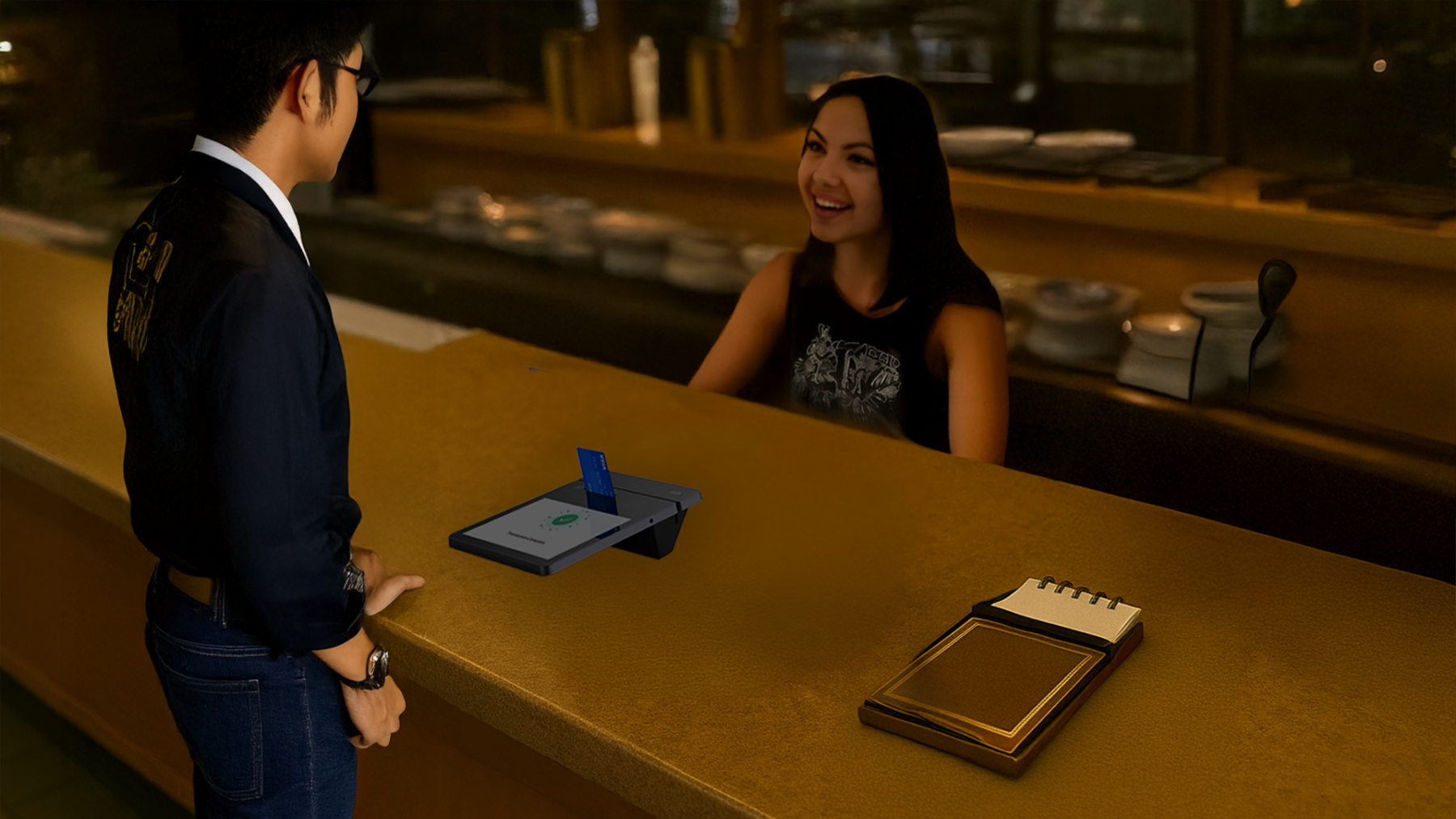
In today’s fast-paced business world, having a reliable, modern, and cost-effective point-of-sale (POS) solution is more important than ever. The PAX Elys A3700 tablet, when paired with Ehopper POS software, delivers exactly that — a cutting-edge, low-cost solution perfect for retail, hospitality, and professional services businesses of all sizes.
Whether you use it as a standalone device or combine it with the PAX Elys L1400 Workstation, this setup offers flexibility, ease of use, and the technology you need to streamline operations and provide a better customer experience.
Let’s dive deeper into why the PAX Elys A3700 and eHopper POS make a powerful combination, explore the specs, and walk through how to set up your system.
Why Choose PAX Elys A3700 with eHopper POS?
The PAX Elys A3700 and eHopper POS are built for businesses that want a full-featured, mobile-first point-of-sale system without the heavy price tag. Here’s why this setup stands out:
-
Affordability: Compared to traditional POS terminals, the A3700 is far more budget-friendly, making it ideal for startups and growing businesses.
-
Flexibility: Operates as a standalone POS device or can be paired with the PAX Elys L1400 Workstation for a full-service checkout experience.
-
All-in-One Solution: Easily manage sales, inventory, reporting, payments, and customer engagement from one device.
-
Portability: Thanks to its lightweight design, it’s perfect for mobile businesses, pop-up shops, curbside pickup, and tableside ordering.
-
Reliability: Built with robust hardware and paired with the stable, cloud-based eHopper POS system.
Key Specifications of the PAX Elys A3700
Before getting started, here’s a quick look at what the PAX Elys A3700 offers:
-
Display: 7-inch HD touchscreen for easy navigation and quick transactions
-
Processor: Powerful quad-core processor to handle heavy workloads
-
Operating System: Android-based, allowing access to the PAX Store and easy installation of eHopper POS
-
Connectivity: Wi-Fi, Bluetooth, and optional 4G LTE connectivity for uninterrupted operation
-
Card Reader: Integrated EMV chip, NFC (contactless), and magnetic stripe reader for all payment types
-
Durability: Rugged design built to withstand everyday use in busy retail and hospitality environments
-
Battery Life: Long-lasting battery for full-day operation without needing constant recharging
-
Peripheral Support: Works seamlessly with Star Micronics thermal printers and APG cash drawers via Ethernet
Setting Up PAX Elys A3700 with eHopper POS (Standalone Mode)
If you plan to use the PAX A3700 as a standalone POS device, setup is simple and fast.
Here’s how to get started:
1. Install eHopper POS from the PAX Store
-
Power on your PAX Elys A3700.
-
Open the PAX Store app.
-
Search for eHopper POS.
-
Download and install the app directly onto your A3700.
2. Enter Your eHopper Account Information
-
Launch the eHopper POS app.
-
Enter your eHopper Account ID and License Key when prompted. (You’ll receive these details upon signing up for an eHopper account.)
3. Configure Your Inventory
-
Inside eHopper POS Backoffice, go to the Inventory section.
-
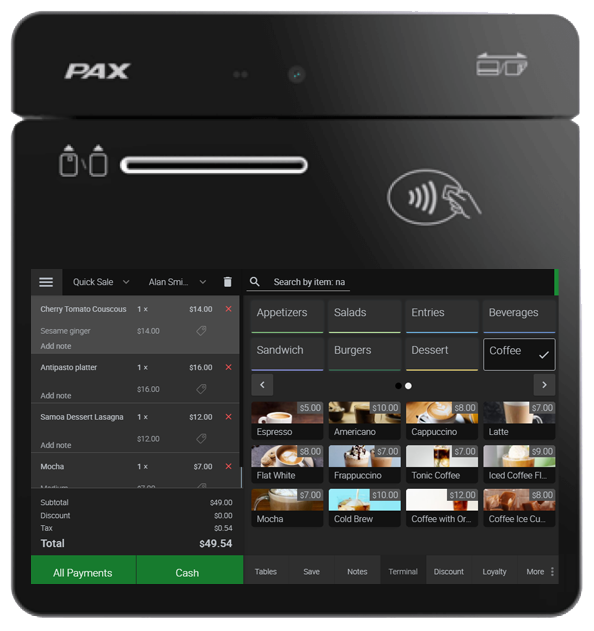
Add products, set pricing, configure taxes, and set up your business details.

4. Start Selling
-
Once your setup is complete, you’re ready to start taking payments immediately.
-
Use the integrated card reader for chip, tap, or swipe transactions.
-
Print receipts using supported thermal printers or email receipts directly from the system.
That’s it — your PAX A3700 standalone POS is ready to power your business!
Setting Up PAX Elys A3700 with PAX Elys L1400 Workstation (Semi-Integrated Mode)
If you want to pair your A3700 with a PAX Elys L1400 Workstation for a more robust checkout experience (including a larger screen and connected peripherals), follow these steps:
1. Install eHopper POS on the PAX L1400 Workstation
-
Power on your PAX Elys L1400.
-
Open the PAX Store.
-
Search for eHopper POS.
-
Download and install eHopper onto the L1400 workstation.
2. Connect the A3700 to the L1400 Workstation
You’ll need to establish a semi-integrated connection between the devices.
-
Use the TSYS Sierra app or Fiserv payment app from the PAX Store (depending on your processor).
-
Configure the app to recognize the A3700 as the payment terminal for the L1400.
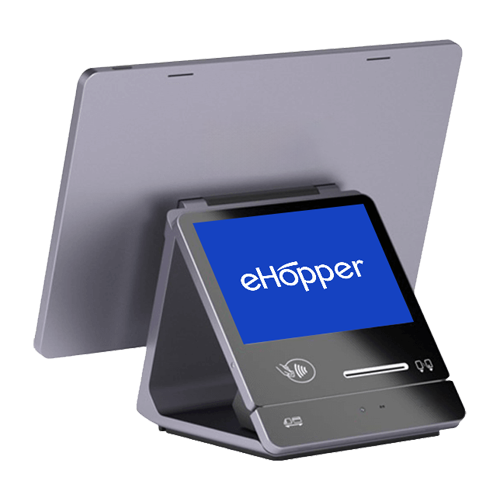
This connection allows the A3700 to handle customer-facing payment processing, while the L1400 manages POS transactions and business operations.

3. Setup Hardware Peripherals
Once connected, you can enhance your setup by adding supported hardware:
-
Receipt Printers: eHopper POS supports thermal printers like Star Micronics models.
-
Cash Drawers: Ethernet-connected APG cash drawers are fully compatible.
-
Barcode Scanners: Add USB or Bluetooth scanners if needed for fast checkout.
These peripherals connect primarily through the PAX L1400 workstation via Ethernet or USB, streamlining the entire checkout process.
Why This Setup is Perfect for Modern Businesses
-
Future-Proof Technology: Android updates and cloud POS ensure you stay current without expensive upgrades.
-
Highly Customizable: Whether you need tableside service, counter checkout, or curbside pickup, this system adapts to your workflow.
-
Mobility and Power: Use the A3700 alone for mobility or pair it with the L1400 for maximum functionality.
-
Scalable: As your business grows, easily add more terminals, tablets, or workstations without major investments.
The PAX Elys A3700 combined with eHopper POS delivers a powerful, flexible, and affordable point-of-sale solution for today’s business needs. Whether you’re in retail, hospitality, or professional services, this setup is simple to deploy, easy to scale, and delivers everything you need to provide seamless customer experiences.
By setting it up as a standalone terminal or integrated with the PAX Elys L1400 Workstation, you can tailor your POS environment to perfectly match your business operations.
If you’re ready to modernize your checkout process without breaking the bank, the PAX A3700 and eHopper POS are ready for you.